Start with the image
Balance the exposure and white balance before making the look your own.
TOOLS FOR YOUR CREATIVE LIFE
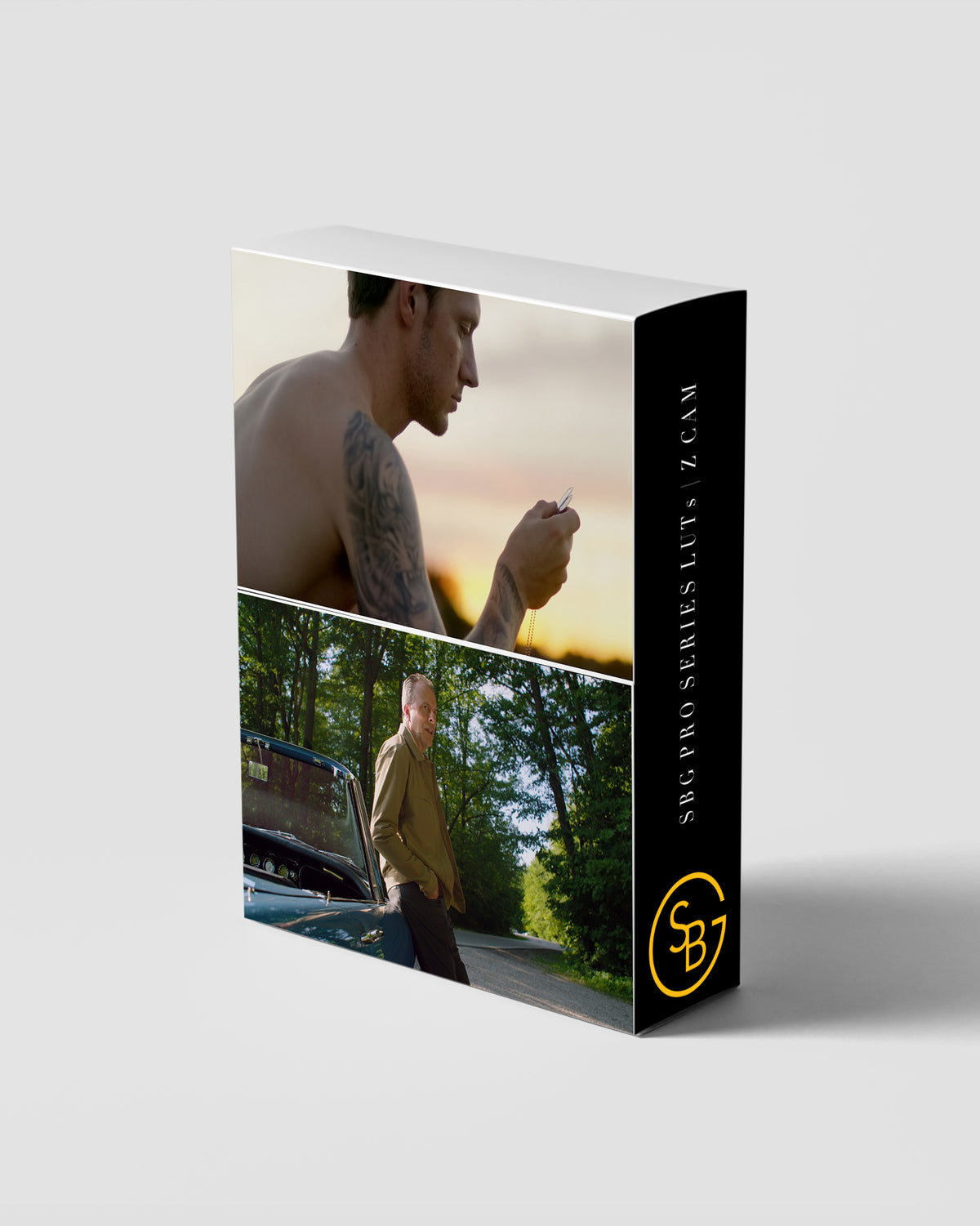
SBG Pro Series LUT Pack | Zcam Zlog 2 To Rec 709 Monitoring Luts
Nine Zlog2-to-Rec.709 LUTs for monitoring on set and shaping color in post. Choose a clean conversion or explore a more stylized finish.
$45.00 USD
FORMAT9 LUTs
MADE FORZcam Zlog2 to Rec.709
WORKFLOWZlog2 input required
ZLOG2 MONITORING / A CLOSER LOOK
Preview a direction while you shoot, then refine exposure, temperature, and tint in post. Match the LUT to Zlog2 input and avoid applying the same conversion twice.
Balance the exposure and white balance before making the look your own.
Preview a direction while you shoot, then refine exposure, temperature, and tint in post. Match the LUT to Zlog2 input and avoid applying the same conversion twice.
Look at skin tones, contrast, and the whole frame. Small adjustments make the look yours.
IN YOUR DOWNLOAD
Nine Rec.709 LUTs designed specifically for Zcam Zlog2 footage.
WATCH THE COLLECTION IN USE
BEFORE YOU MAKE IT YOURS
The input matters. A technical conversion LUT expects a specific camera gamma and color space. A creative LUT also needs the correct input. Match your workflow to the pack instructions and avoid a duplicate conversion.
Start by balancing exposure and white balance. A LUT gives you a color transformation or look, but your footage will still need adjustments.
A compatible LUT format and the correct input color space are both required. A PowerGrade, by contrast, is specific to DaVinci Resolve. Check the product’s workflow before choosing.
Tell me which camera, file format, and editing app you use. Email Sidney ↗. You can also read the refund policy before purchasing.
THE PERSON BEHIND THE TOOLS
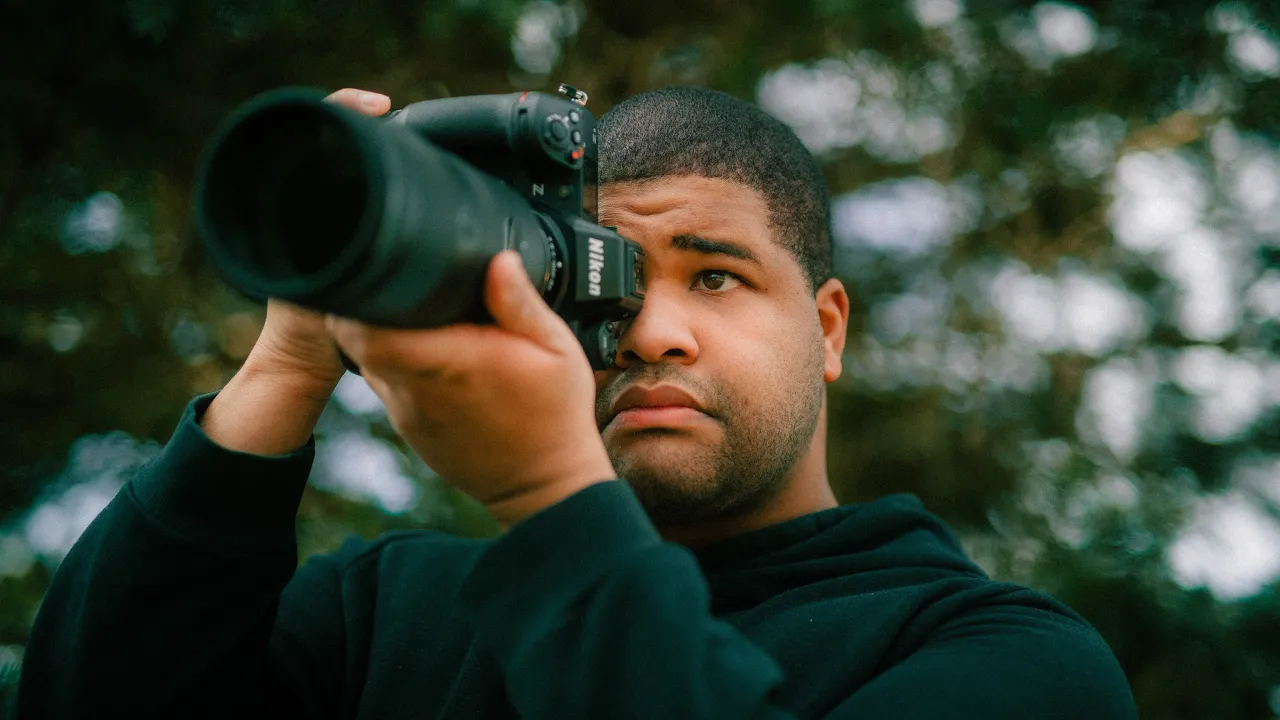
I’m Sidney, a photographer, cinematographer, colorist, and pilot. I found Lightroom through a friend and started photographing everything that caught my eye. Long before clients or algorithms, there was the joy of making something.
That curiosity took me into filmmaking and DaVinci Resolve. I started sharing color-grading tutorials, built a community, and had the opportunity to partner with Nikon. These tools are part of that same creative life.
I want you to understand the process, find what works for you, and enjoy making the work.
Keep climbing. Stay fabulous.
THE REST OF MY STORY ↗TAKE A CLOSER LOOK