PowerGrades
Seven DaVinci Wide Gamut grades and one ACES grade. Choose the workflow that fits your project.
TOOLS FOR YOUR CREATIVE LIFE
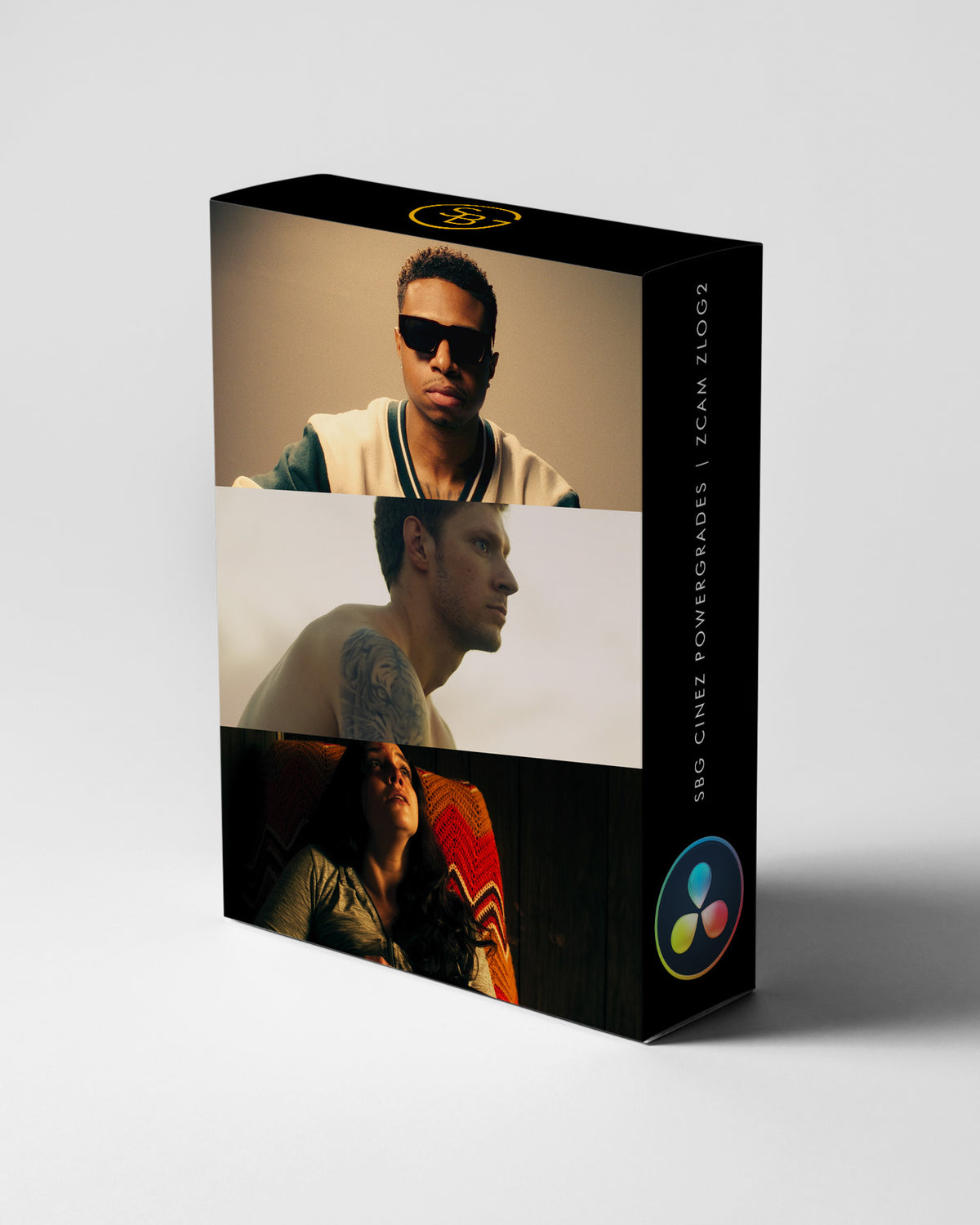
SBG CineZ Powergrades | Zcam Zlog2 for DaVinci Resolve
I built CineZ around the way I want Zcam footage to feel. Rich color. Considered contrast. Skin tones that still look like the person in front of the camera.
$99.00 USD
FORMAT8 DRX PowerGrades + 2 LUTs
MADE FORZcam Zlog2 / DaVinci Resolve
WORKFLOWDaVinci Wide Gamut or ACES
CINEZ / A CLOSER LOOK
Get inside the grade. Work with the Offset wheel and Color Primaries to shape the image around your lighting, your subject, and the story you want to tell.
Seven DaVinci Wide Gamut grades and one ACES grade. Choose the workflow that fits your project.
Two custom Kodak 2383 LUTs inspired by Vision3 250D and 200T, for use in the Film Print Compound Node.
A subtitled tutorial walks through the pack and the grading process.
IN YOUR DOWNLOAD
Eight PowerGrades: seven for DaVinci Wide Gamut and one for ACES. Two custom film-print LUTs, plus a 25-minute tutorial with subtitles.
WATCH THE COLLECTION IN USE
BEFORE YOU MAKE IT YOURS
CineZ is designed specifically for Zcam Zlog2 footage in DaVinci Resolve. Match your input and color-management setup to the included tutorial before applying a grade.
The collection supports HDR and SDR workflows. Your project color management and output transform must match the delivery you are making.
A PowerGrade is a saved DaVinci Resolve grade. DRX files carry the grading settings, including the node structure, so you can inspect and adjust the look. Keep any supplied stills and supporting files together when importing.
A LUT maps color values. A PowerGrade carries an editable Resolve grading setup. It can also use LUTs or other tools within its nodes, so follow the installation instructions for the pack.
Compatibility depends on the nodes, effects, and source formats used by the grade. Studio-only features require Resolve Studio. Check the pack tutorial or ask me about your setup before purchasing.
Tell me which camera, file format, and editing app you use. Email Sidney ↗. You can also read the refund policy before purchasing.
THE PERSON BEHIND THE TOOLS
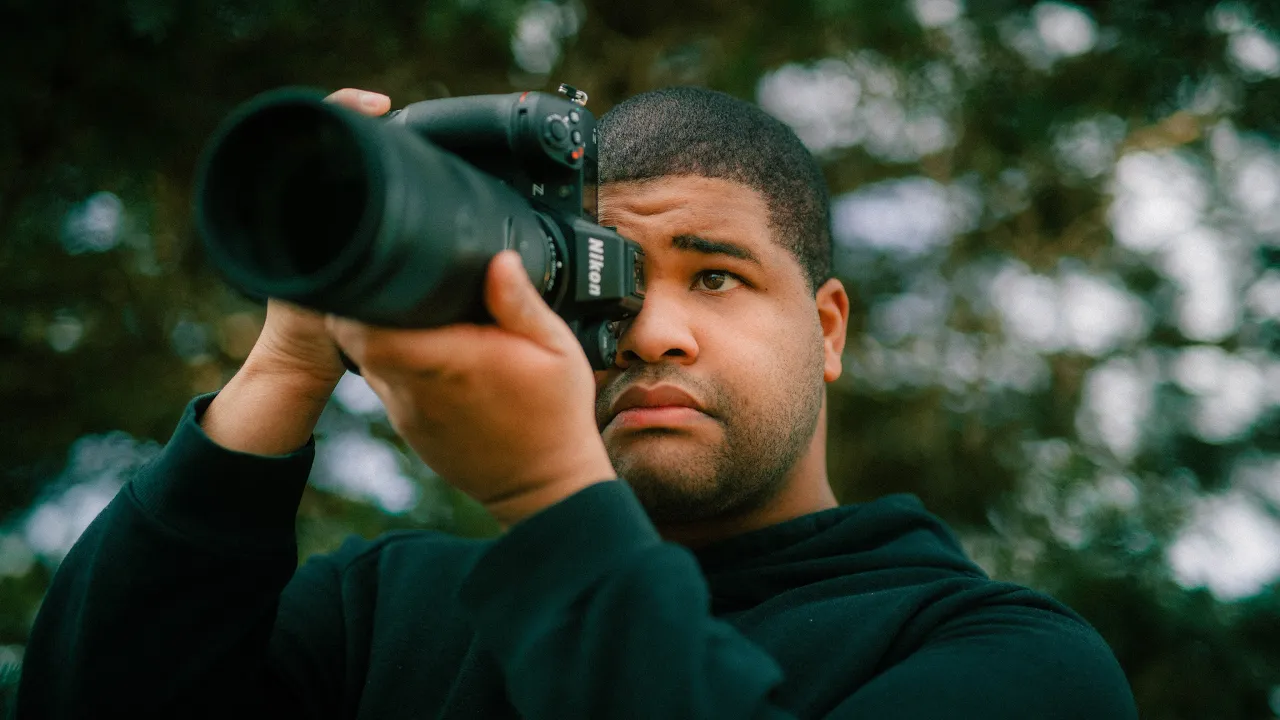
I’m Sidney, a photographer, cinematographer, colorist, and pilot. I found Lightroom through a friend and started photographing everything that caught my eye. Long before clients or algorithms, there was the joy of making something.
That curiosity took me into filmmaking and DaVinci Resolve. I started sharing color-grading tutorials, built a community, and had the opportunity to partner with Nikon. These tools are part of that same creative life.
I want you to understand the process, find what works for you, and enjoy making the work.
Keep climbing. Stay fabulous.
THE REST OF MY STORY ↗